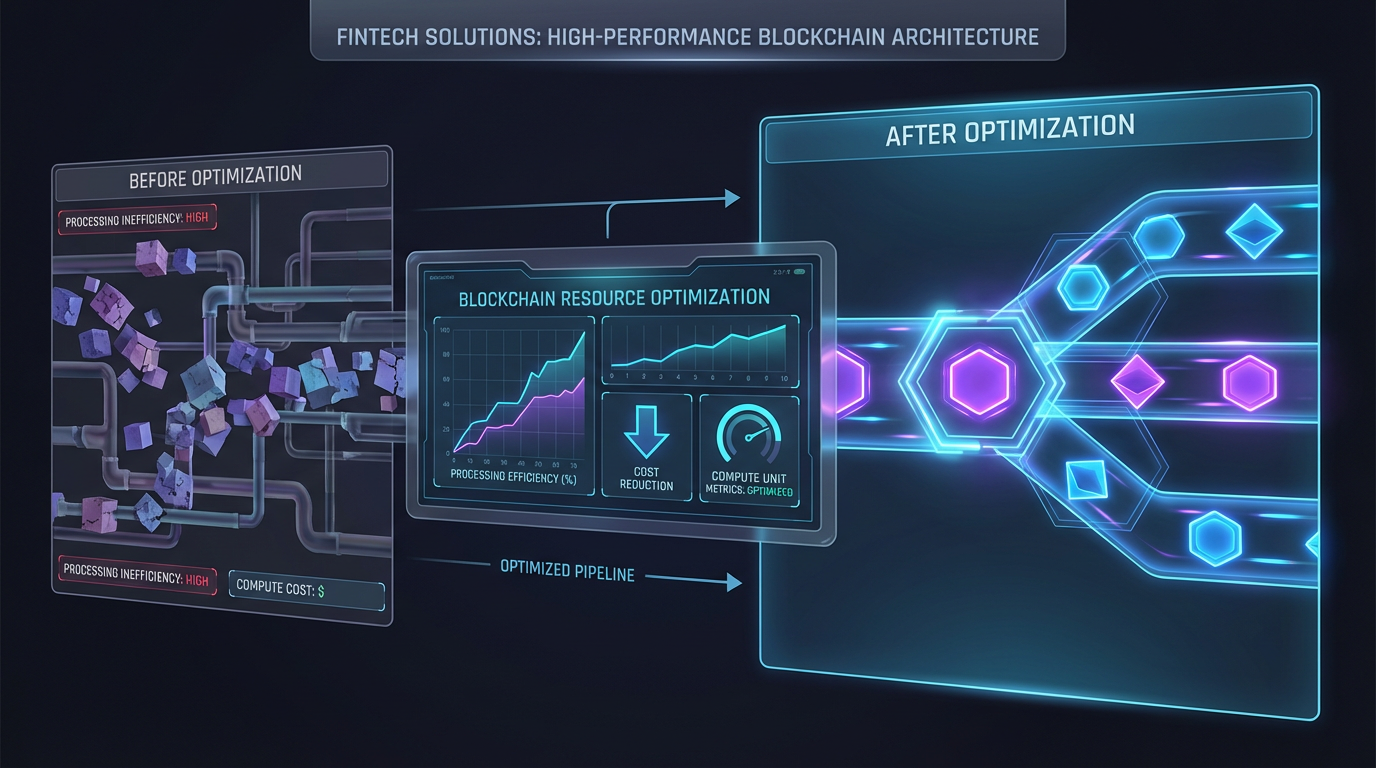
Every Solana transaction consumes compute units—the blockchain's measure of computational resources. Understanding this system is critical for developers building efficient, cost-effective applications that scale under network congestion.
What Are Compute Units?
Compute units (CUs) measure the computational cost of executing instructions on Solana. Every operation—from transferring SOL to invoking complex smart contract logic—consumes a specific amount of compute units. Solana enforces limits to prevent resource abuse and ensure validators can process transactions efficiently.
The default compute unit limit per transaction is 200,000 CU, though this can be increased up to 1.4 million CU using compute budget instructions. If your transaction exceeds its allocated compute units, it fails with an error—wasting fees and frustrating users.
Why Compute Budget Optimization Matters
Optimizing compute unit usage delivers three major benefits:
Lower Transaction Costs: Solana's priority fee system allows you to pay extra per compute unit for faster inclusion. By reducing CU consumption, you pay less in total fees even when prioritizing transactions during congestion.
Higher Transaction Success Rates: Transactions that stay within their compute budget complete successfully. Exceeding the limit means instant failure and lost fees.
Better Scalability: Efficient programs consume fewer validator resources, allowing more transactions to fit in each block. This improves network throughput and reduces congestion-related failures.
Common Compute Unit Consumption Patterns
Different operations consume varying amounts of compute units:
Simple SOL transfers: ~450 CUSPL token transfers: ~4,500 CUAMM swaps (Raydium, Orca): 80,000-150,000 CUNFT minting: 30,000-60,000 CUComplex DeFi operations: 200,000-500,000 CUThe ComputeBudgetInstruction::set_compute_unit_limit instruction lets you request more than the default 200K limit. However, requesting too much wastes fees if unused—Solana still charges based on your requested limit, not actual consumption.
Optimization Strategies for Developers
1. Profile Your Transactions
Use Solana's transaction simulation to measure actual CU consumption before setting limits. The simulateTransaction RPC method returns the exact units consumed, helping you set tight, accurate limits.
2. Minimize Cross-Program Invocations (CPIs)
Every CPI adds overhead. If your program makes multiple calls to external programs, consider batching operations or redesigning logic to reduce invocation count. Each CPI incurs a base cost plus the execution cost of the called program.
3. Reduce Account Reads and Writes
Loading and deserializing accounts consumes compute units. Pass only the accounts your instruction actually needs, and avoid redundant deserializations within your program logic. Use zero-copy deserialization where possible to minimize overhead.
4. Optimize Loops and Heavy Computation
Loops, especially nested ones, are expensive. Pre-calculate values off-chain when possible and pass them as instruction data. Use iterators efficiently and avoid unnecessary allocations inside hot paths.
5. Use Compute Budget Instructions Wisely
Set compute limits slightly above your measured consumption to handle edge cases, but don't over-provision. A 10-15% buffer is usually sufficient. Similarly, set priority fees based on actual CU usage to avoid overpaying during congestion.
Monitoring and Debugging Compute Usage
Solana provides several tools for tracking compute unit consumption:
Transaction Logs: Every transaction log includes a "Program consumed X compute units" message. Review logs in Solana Explorer or via RPC to see actual usage.
Simulation API: The simulateTransaction method lets you test transactions without sending them on-chain, revealing CU consumption and potential errors.
Program Logging: Add msg! statements in your program to log compute unit checkpoints. This helps identify expensive code paths during development.
Real-World Impact: A Case Study
Consider a DEX aggregator routing swaps across multiple AMMs. Initial implementation consumed 280,000 CU per transaction. By profiling, the team discovered:
Redundant account deserializations added 40,000 CUPrice calculation loop ran twice unnecessarily, costing 25,000 CUInefficient CPI pattern added 15,000 CU overheadAfter optimization, transactions consumed just 180,000 CU—a 36% reduction. This translated to 36% lower fees during peak congestion periods and eliminated compute budget errors that plagued the initial release.
The Path Forward
Understanding and optimizing compute unit usage isn't optional for serious Solana developers—it's foundational. As network activity grows and competition for block space intensifies, efficient programs gain a decisive advantage in cost, reliability, and user experience.
Start by profiling your transactions today. Measure actual CU consumption, identify optimization opportunities, and implement targeted improvements. Your users—and your fee budget—will thank you.